
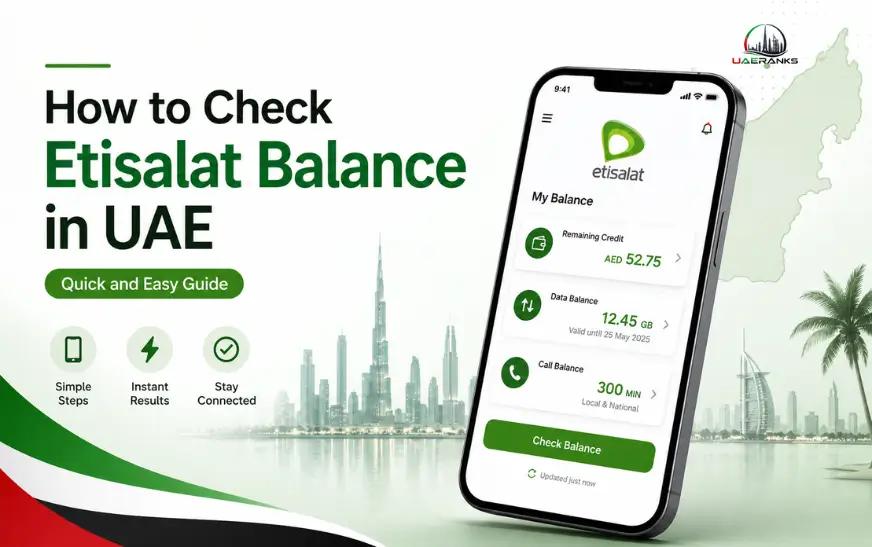
Quick Answer: You can check your Etisalat account balance in UAE in four different ways: by dialing the USSD code*121#, using the My Etisalat UAE App, logging in to the Etisalat Self-Service Portal, or calling customer service at 101. Each method is quick and easy to use.
It’s frustrating to run out of data in the middle of a call or lose service without warning. This is something that can be avoided. You can check your Etisalat account balance in UAE to top up your phone before it is too late.
The good news Etisalat provides four easy ways to keep track of your Etisalat balance. This guide will walk you through them all, step-by-step.
How to check Etisalat balance using a USSD code?
You can use your phone’s dialer to perform the fastest method without any internet connection.
- Dialer app: Open the dialer on your phone.
- Dial *121# then press call.
- You will see a menu with all the details of your balance.
It’s the best option if you are in an area with low connectivity or just want to get a quick response without having to open an app. This works with both Etisalat prepaid and postpaid users.
How to check your Etisalat data balance on the My Etisalat App?
My Etisalat UAE is the most feature rich app available. It allows you to check your Etisalat balance and upgrade your plan. You can also manage multiple lines, pay your bills, and upgrade your plan.
How to check your balance
- You can download the App for My Etisalat UAE from Google Play or the App Store.
- Enter your Etisalat number and password to log in.
- On the home page, click my account.
- You will see your current balance, remaining minutes, and data usage.
The app is worth bookmarking if you regularly manage your account.
How to check your Etisalat prepaid balance via the website?
Prefer a larger screen? You can access your account information from any web browser using the Etisalat Self-Service Portal.
- Click My account on the top navigation.
- Sign in using your credentials.
- You can navigate to Account summary, or balance & usage.
- You will see your Etisalat postpaid or prepaid balance on the screen.
This method is especially useful when reviewing detailed billing histories or downloading statements.
If you also need to pay your bill or recharge your prepaid number online, you can use Etisalat Quick Pay to complete the payment without logging in to your account.
You can check your Etisalat balance by calling customer service?
Calling is an option for users who would rather speak to someone or have trouble using the app or site.
- Dial (free) 101 by dialing your Etisalat phone number.
- You can either follow the prompts on your screen or ask to speak with a representative.
- Confirm your balance and usage by asking the representative.
Remember that waiting times can vary, especially during peak hours. Calls made in the early morning or late at night tend to be faster.
Select the Best Method for You
These four methods are fast, easy, and free. You can get instant results by using the USSD code *121# without having to access the internet. If you’d like to manage your account on your smartphone, download the My Etisalat UAE App. Log on to the website and you’ll find a desktop version with a detailed history of your billing. Call 101 if you prefer to speak with a human.
This guide is worth bookmarking so you can easily find it the next time your account balance drops.
FAQs
1. What is the USSD Code to check my Etisalat account balance in UAE?
You can check your balance by dialing *121# directly from your Etisalat phone number, even if you don’t have an internet connection.
2. How can I check the balance of my Etisalat account?
Navigate to the Account Overview section of My Etisalat UAE. The remaining data is displayed on the main screen.
3. How can I check the balance of my Etisalat Prepaid card online?
Yes. To view your balance, log in to etisalat.ae and click on My Account.
4. What is the number for Etisalat balance checks?
Yes. You can dial 101 for free from your Etisalat phone number.
5. Can I use the USSD Balance Check without Internet?
Yes. Dialing *121# is possible on any mobile network, and no data connection is required.
6. What is the My Etisalat app download link?
Apps are available in both Apple App Store and Google Play Store.
7. How can I check the balance of my Etisalat account while roaming?
When dialing USSD codes, or calling customer services abroad, standard roaming fees may apply.
8. How can I check the remaining minutes on my Etisalat account?
You can also open My Etisalat UAE by dialing 121#. You can view your remaining minutes by dialing 121# or opening the My Etisalat UAE app.
9. How can I check the Etisalat account balance of someone else?
Only the account owner or authorized user can view balance information on a particular Etisalat line.
10. How often does my Etisalat balance update?
The app or USSD will show your balance in real-time, reflecting the current usage.